

Appearance
Export and erase data
Available onEvery plan
Who can do thisOwners for workspace actions; everyone for their own data
You can take a full copy of your workspace's data at any time, and every person can download their own. When a candidate asks for their data to be deleted, your company decides whether to delete or keep it.
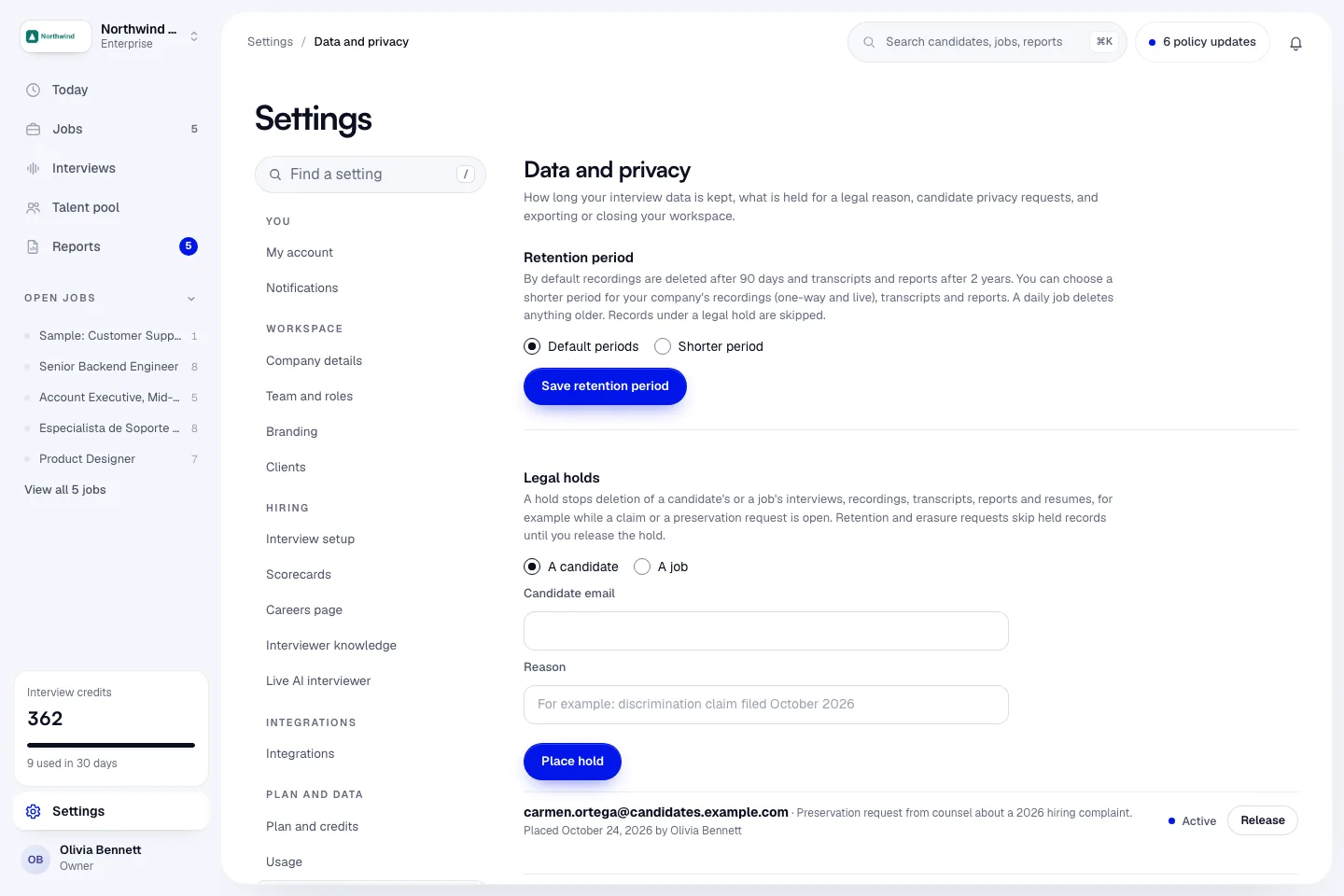
Export the whole workspace
Only owners can do this.
- In the sidebar, click Settings, then Data and privacy.
- Under Export all data, click Export all data.
- When the export is ready, we email you a download link. The link is valid for 3 days.
The export is one ZIP of JSON files: company profile, team, jobs, candidates, interviews, reports, credit history and the audit log. Recording files are not inside; play or download them from each report.
Secrets such as passwords, API keys and tokens are never included. For team members, the export keeps only their email, name, role, status, when they joined and their last sign-in.
The page lists your past exports and their status.
Download your own data
Anyone with an account can do this.
- In the sidebar, click Settings, then My account.
- Under Download my data, click Download my data.
We email you a copy of your own profile and account data. If the file is too large to attach, the email explains how to get it with a privacy request. For the company's jobs, candidates and reports, an owner exports the whole workspace instead.
Answer a candidate privacy request
Candidates ask Infyva for a copy of their data, or for it to be deleted, corrected or limited, at infyva.ai/privacy-request. They confirm the request with a code sent to their email. Infyva responds within 30 days and tells the company that interviewed them.
For a deletion request, your company decides. Infyva holds the deletion for 14 days while you answer.
- You get an email about the request, with a link to answer it. You can also open Settings > Data and privacy and find it under Candidate privacy requests, then click Delete or keep.
- On the Delete or keep? page, choose one:
- Delete the records.
- Keep them: my company must keep them for a legal reason. Enter a Reason (required, shared with the candidate).
- Click Send answer.
Keeping places a legal hold, so the records are not deleted by the normal schedule until your company releases it in Settings > Data and privacy. See Data retention and legal holds.
Each request shows when it is due and how long the deletion is held. Overdue requests are marked Overdue.
If you don't answer
We email a reminder 4 days before the hold ends. If your company doesn't answer before the hold ends, Infyva deletes the records.
What erasure removes
For a candidate, every record about them is removed, matched by their account and by their email. That includes invites sent before they had an account, bulk uploads, demographic answers, integrity signals and notifications. Billing records are kept, with the name removed. Where a name has to stay in a record, it shows as [erased candidate].
For a team member, their personal data is removed, but the company's records they worked on are kept and moved to the owner, or the next admin. Nothing your company owns is deleted.
In the audit log, entries are kept, but the person's email is replaced with a pseudonym and their IP address and browser details are removed.
Records under a legal hold are never erased until the hold is released.
Close the workspace
Only owners can do this.
- Open Settings > Data and privacy.
- Under Close this workspace, type the workspace name to confirm.
- Click Close workspace.
When you close a workspace:
- We start a full export for you and email every owner and admin.
- The page shows This workspace is closing with the date.
- After 30 days, we delete the workspace's candidates, interviews, recordings, transcripts, reports, jobs and custom interviewer faces.
- Billing records are kept for tax. Records under a legal hold stay until the hold is released.
- Team members' own sign-ins are not deleted. Each person can delete their own account from My account.
Any owner can click Cancel the closure during the 30 days.
Next steps
- Data retention and legal holds
- Security, privacy and compliance
- Your privacy, the candidate guide